Creating a home office that feels both cozy and productive is essential for anyone working remotely or managing tasks at home. A well-designed workspace can boost your focus, reduce stress, and make your workday more enjoyable. Whether you’re starting from scratch or refreshing an existing setup, these tips will help you create an environment that supports both comfort and efficiency.
Choose the Right Location
Find a Quiet Spot
Select a place in your home that is quiet and away from high-traffic areas. Reducing distractions is key to maintaining focus.
Maximize Natural Light
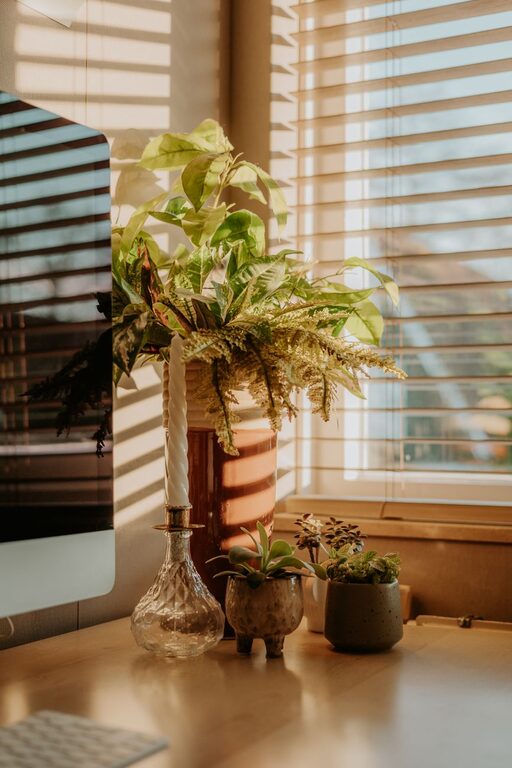
If possible, situate your desk near a window. Natural light improves mood and reduces eye strain. Use sheer curtains if the sunlight is too intense to avoid glare on your screen.
Invest in Comfortable Furniture
Ergonomic Chair
A good chair provides support for your back and promotes good posture. Look for adjustable chairs with lumbar support to keep you comfortable during long hours.
Functional Desk
Choose a desk that fits your space and allows enough room for your computer, paperwork, and other essentials. Standing desks or adjustable desks are also great options to vary your working position.
Organize Your Workspace
Keep Essentials Within Reach
Arrange your most-used items like pens, notebooks, and your phone so you can grab them quickly without cluttering your desk.
Use Storage Solutions
Shelves, drawers, and organizers help keep your workspace tidy. A clutter-free desk helps keep your mind clear.
Personalize Your Space
Add Greenery
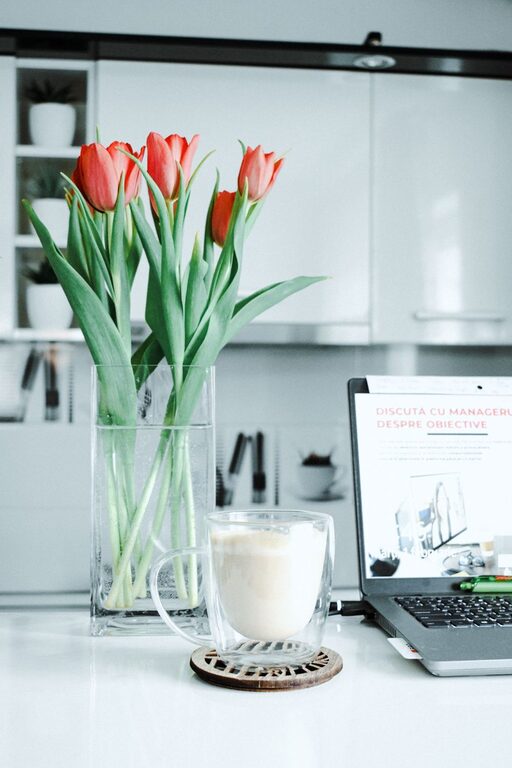
Plants not only brighten your space but also improve air quality and can reduce stress. Small potted plants or succulents require minimal care.
Include Personal Touches
Photos, artwork, or meaningful objects make your workspace feel inviting. Just be sure not to overcrowd the area.
Manage Lighting
Combine Natural and Artificial Lighting
Use a combination of overhead lights and task lighting to keep your workspace bright throughout the day and evening.
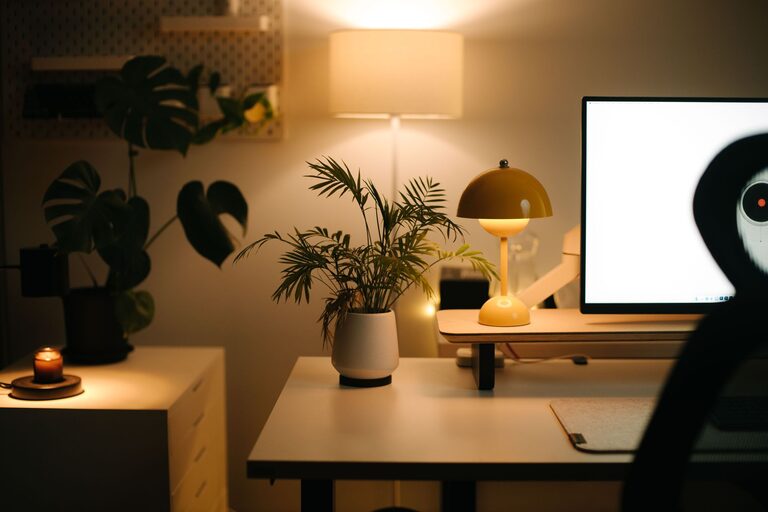
Use Adjustable Desk Lamps
A lamp with adjustable brightness lets you tailor the light level to the task at hand, which is easier on your eyes.
Control Noise Levels
Use Noise-Canceling Headphones
If you can’t control ambient noise, headphones are a great way to block distractions and help you stay focused.
Incorporate Soft Textiles
Rugs, curtains, and cushions can help absorb sound and reduce echo within the room.
Maintain Air Quality
Keep Your Space Ventilated
Fresh air helps you stay alert and comfortable. Open windows when possible, or use a fan to circulate air.
Consider an Air Purifier
If outdoor air quality is a concern, an air purifier can help remove dust and allergens from your environment.
Create a Routine and Boundaries
Set Clear Work Hours
Define when your workday begins and ends. This helps maintain a healthy work-life balance.
Designate Your Workspace for Work Only
Avoid using your home office for other activities to strengthen the mental separation between work and relaxation.
Incorporate Movement and Breaks
Use Reminders to Stretch
Set alarms or reminders to stand, stretch, or take short walks during the day. Movement reduces fatigue and improves circulation.
Create a Break Zone
If space allows, set up a small area for breaks where you can relax briefly away from your desk.
—
By combining comfort with functionality, your home office can become a space where productivity and relaxation go hand in hand. Implement these tips to craft a workspace that supports your best work and well-being every day.
About the Author